Set a Minimum Order Quantity in WooCommerce
Minimum order quantities protect margin on small orders — but only when the rule is enforced in the cart as well as on the product page. Here is how to set them up properly.
Insights, tutorials and behind-the-scenes notes from building plugins for thousands of growing WordPress and WooCommerce stores. A new article every week.

Minimum order quantities protect margin on small orders — but only when the rule is enforced in the cart as well as on the product page. Here is how to set them up properly.

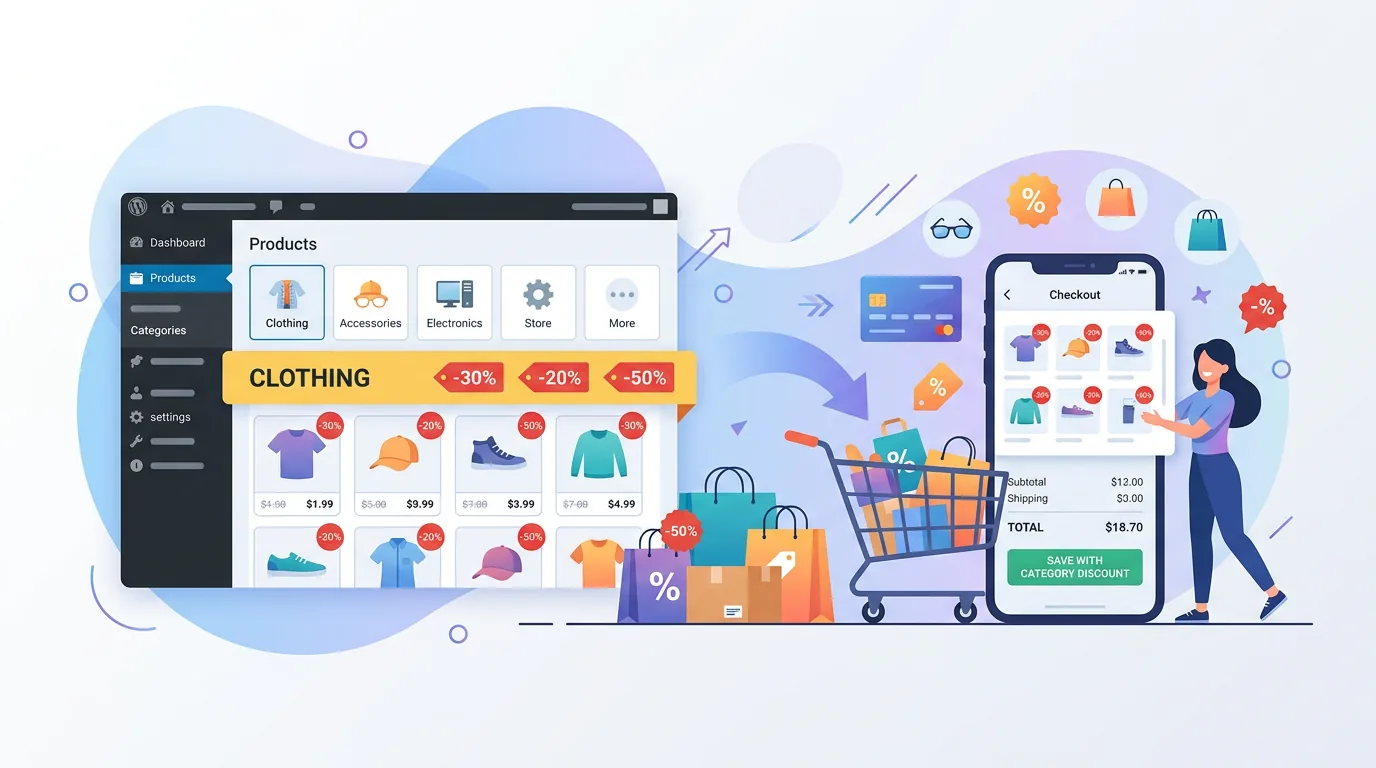
Category-level quantity rules keep hundreds of products consistent without editing each one. Here is how minimum quantity by category works in a WooCommerce store.

Wholesale buyers need minimums; retail buyers often need maximums. Role-based quantity limits let one WooCommerce store serve both without separate catalogues.

One product, several prices. Here is how different prices for different users work in WooCommerce, and what has to change beyond the price on the product page.

Trade stores often hide prices until login. Here is how to hide prices from guests in WooCommerce without losing the search traffic that brings buyers in.

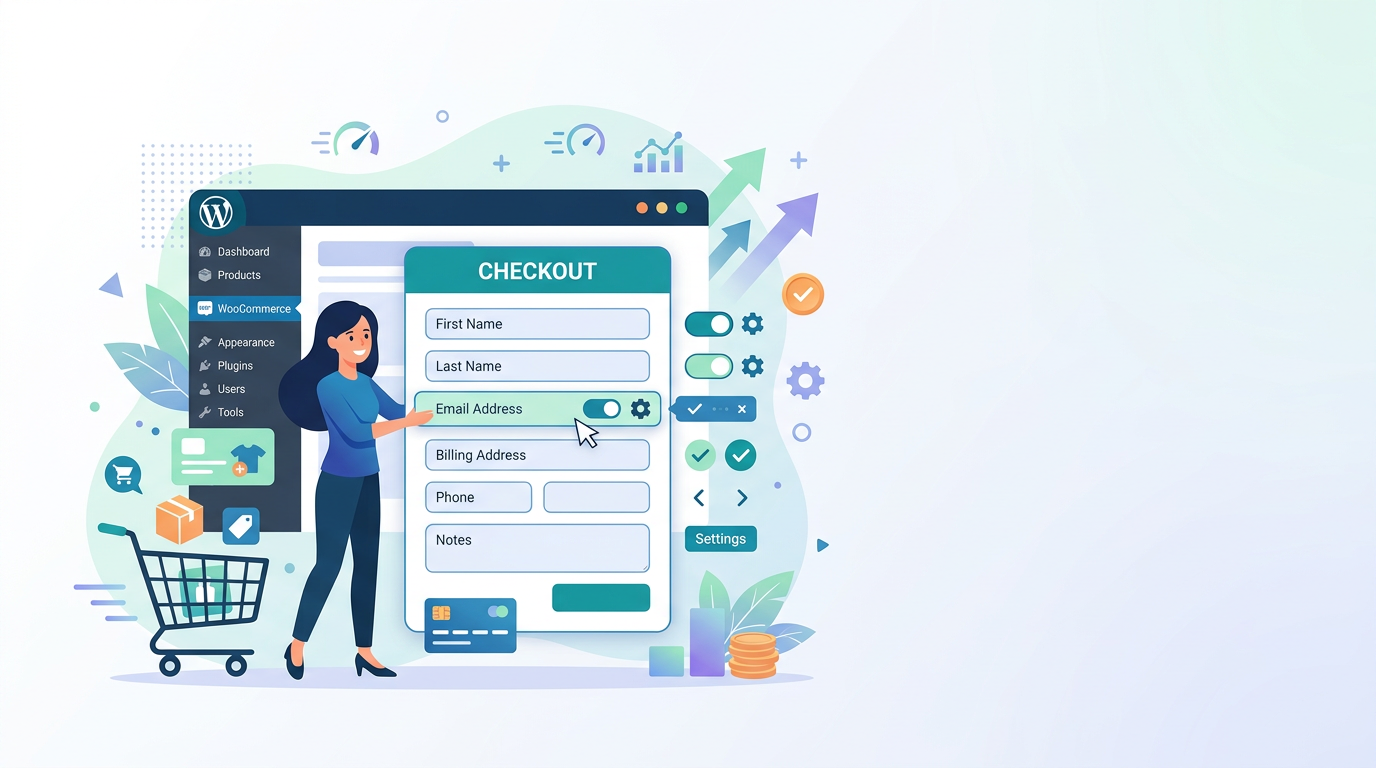
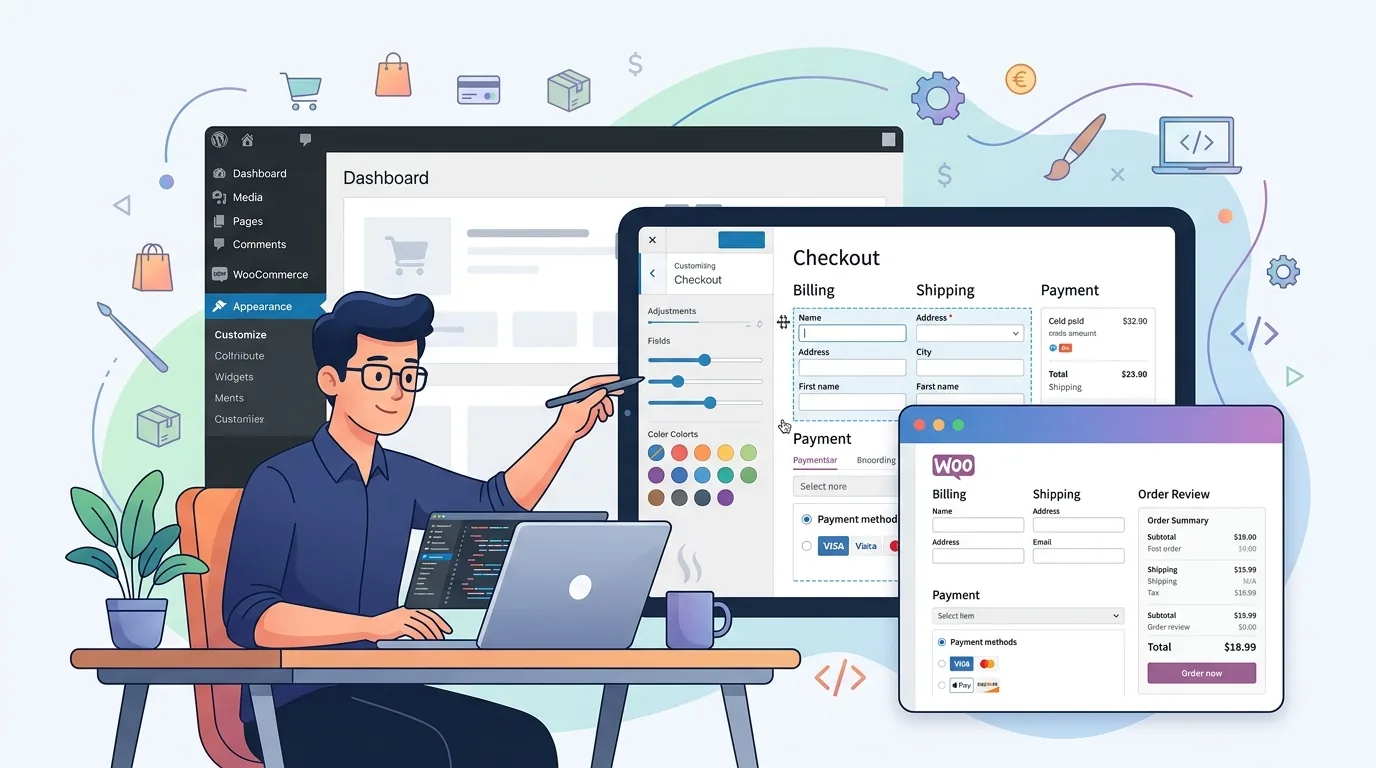
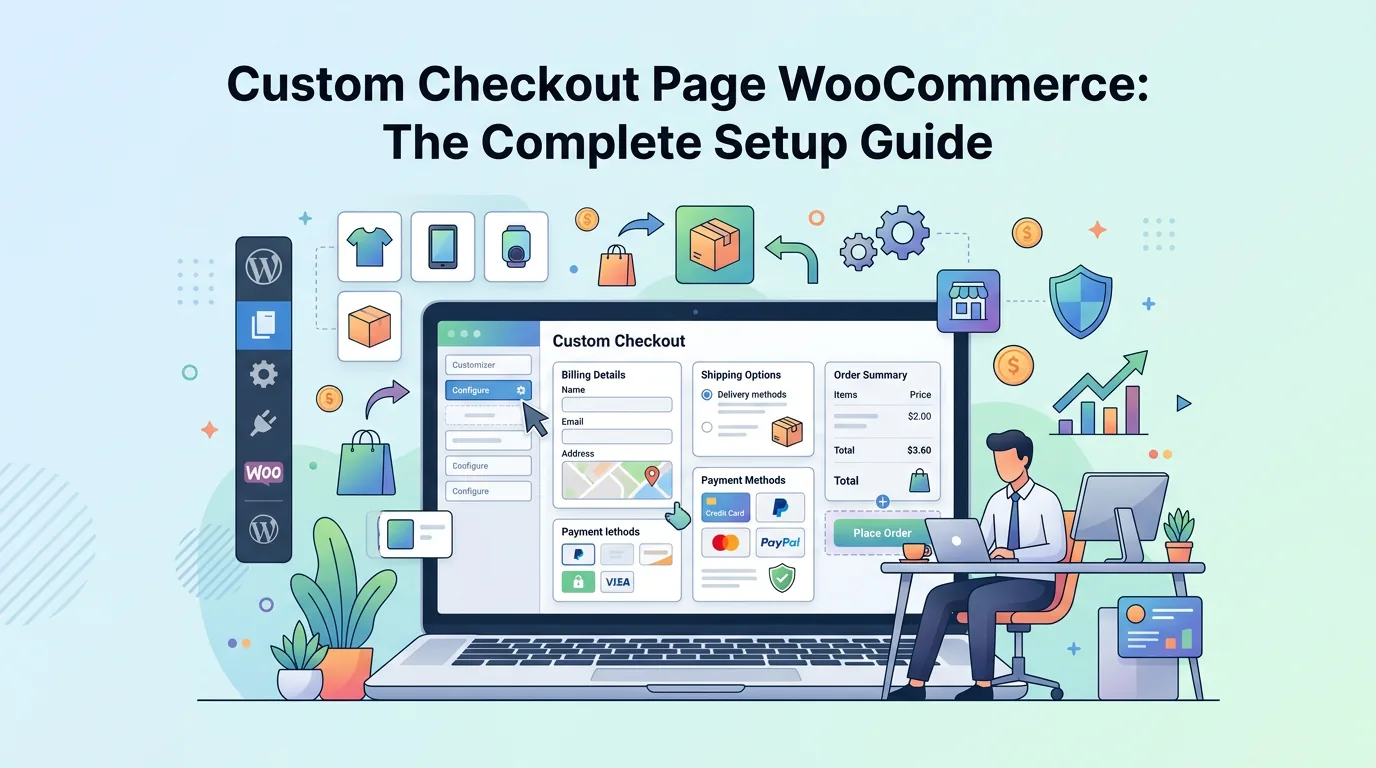
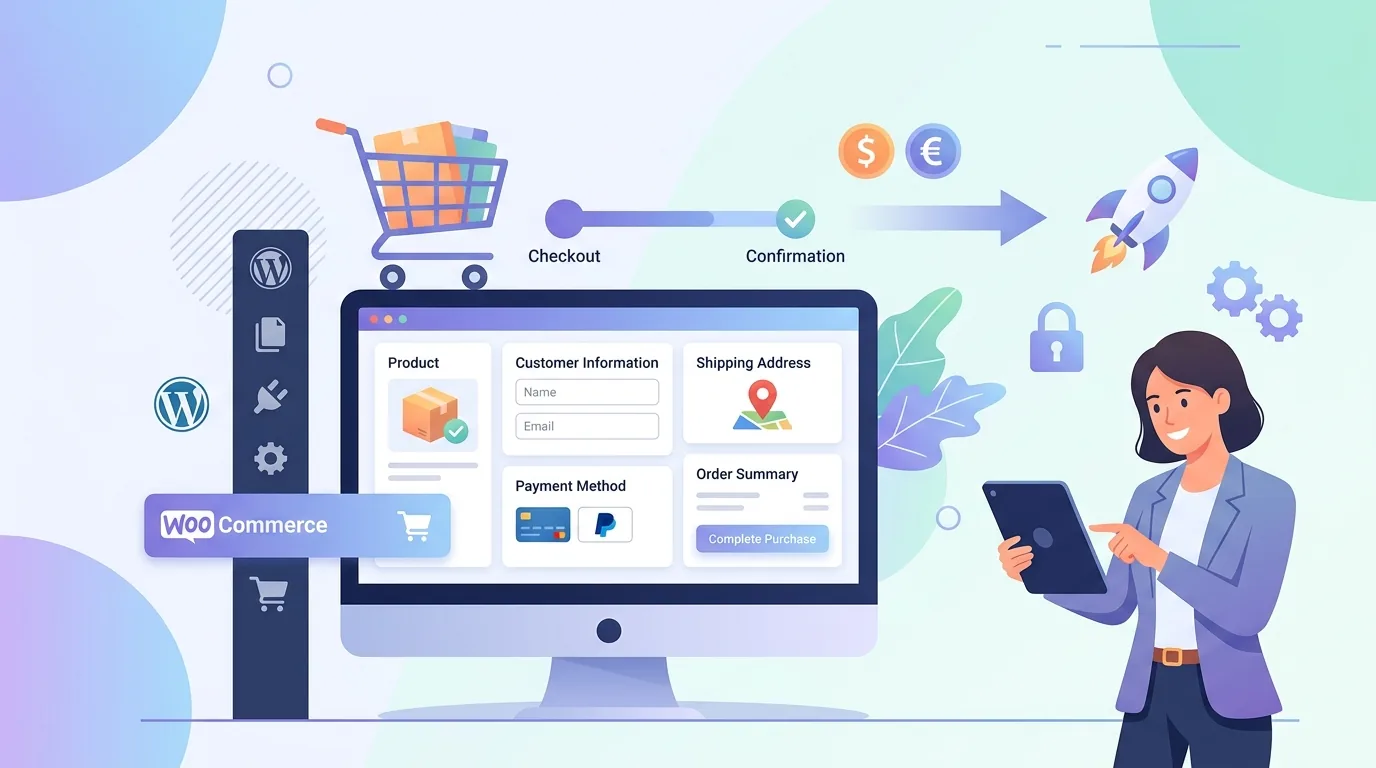
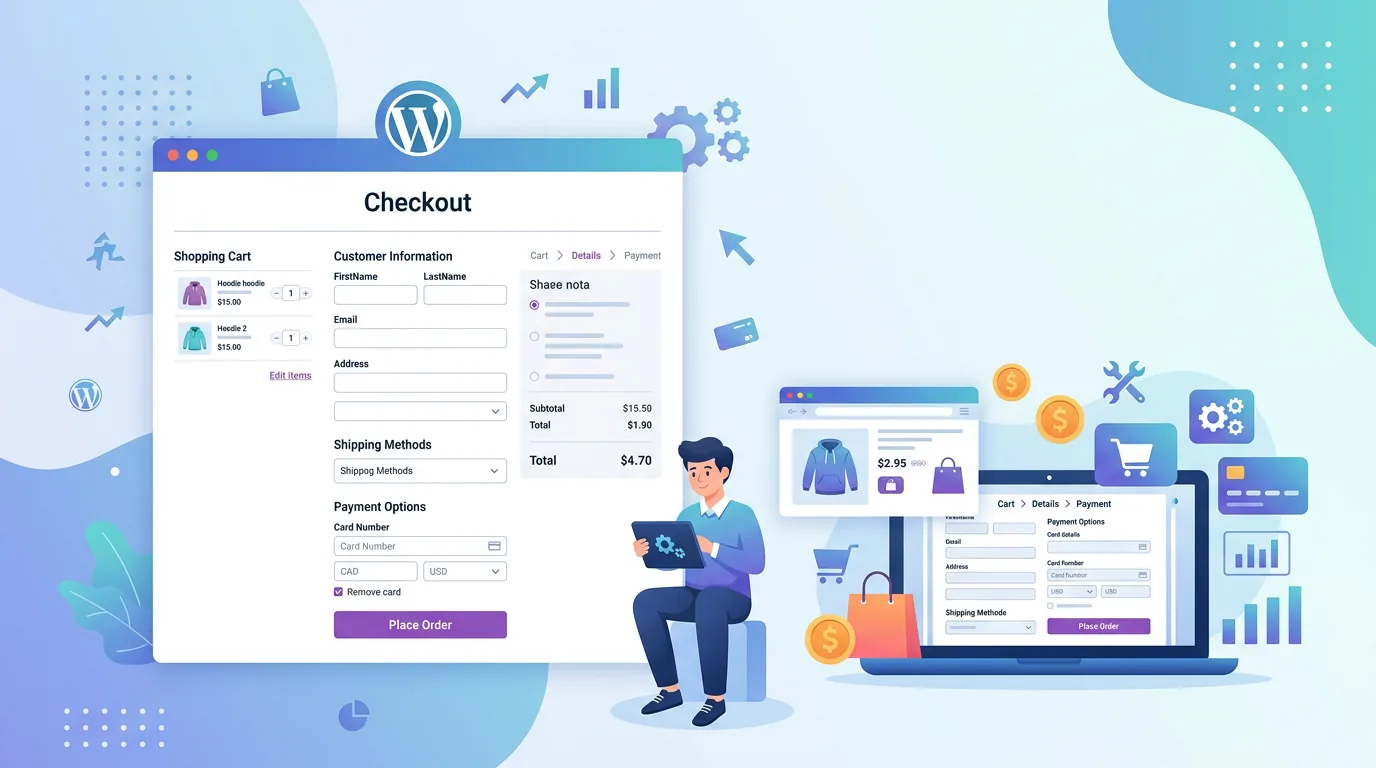
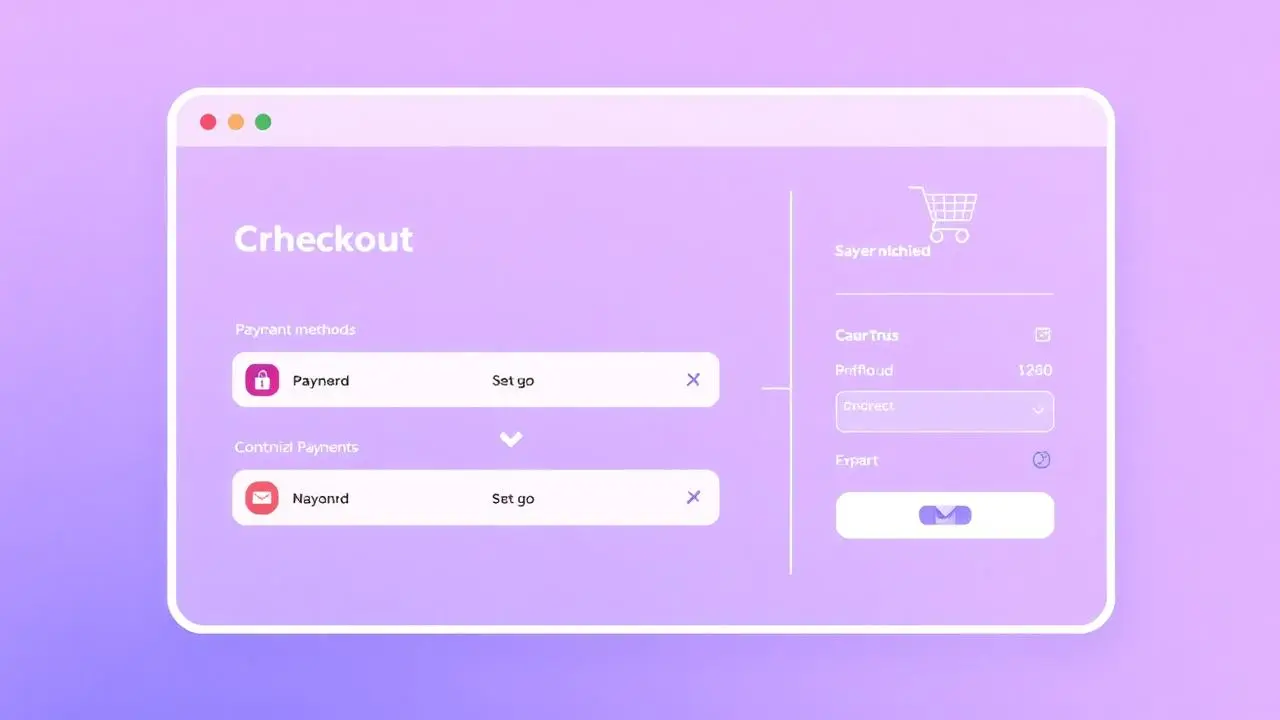
Your default WooCommerce checkout is costing you sales. Learn how to remove friction, add critical fields, and optimize the final conversion step.

Multi-step checkout is silently killing your conversion rate. Learn how to implement a high-performing one-page checkout that reduces cart abandonment and increases average order value.

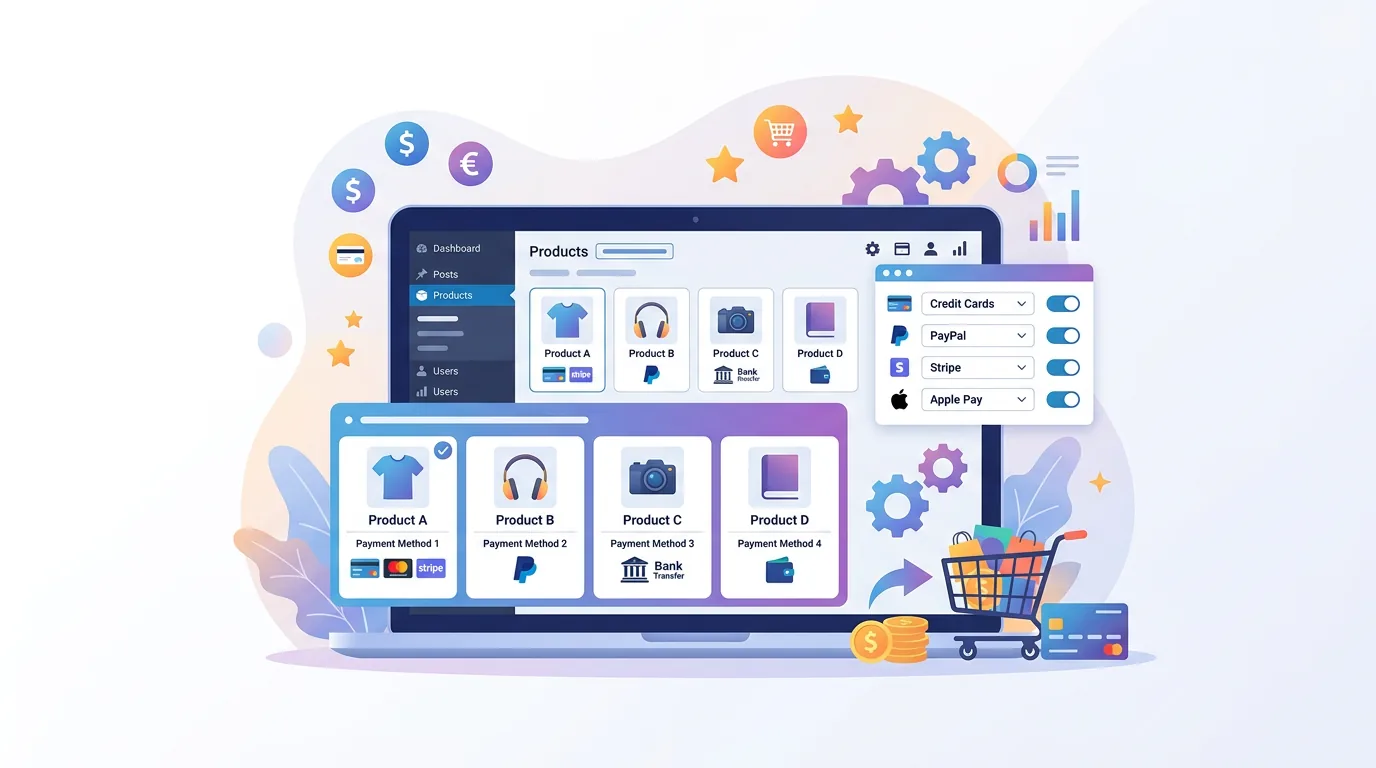
Payment plugins fall into three groups: gateways, gateway control and payment experience. Knowing which problem you have makes the comparison much shorter.

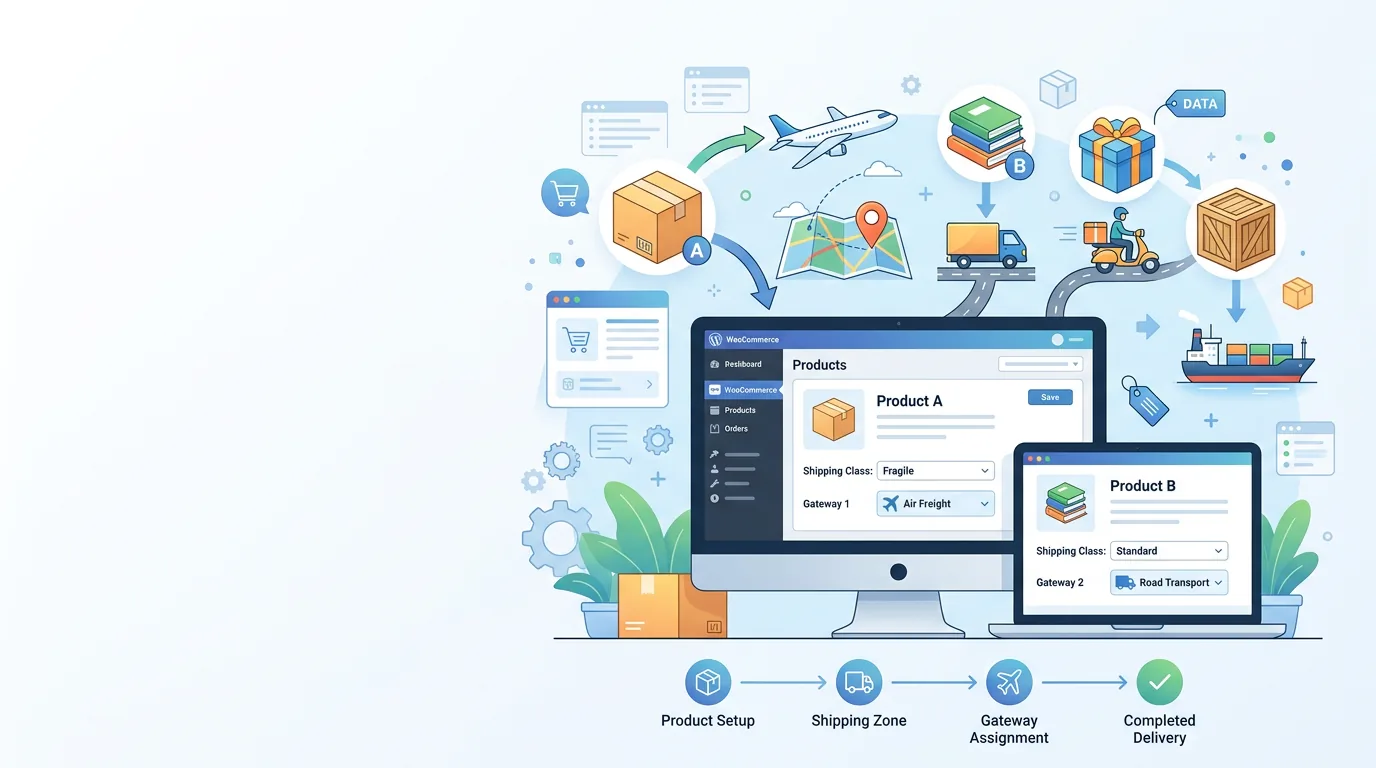
Shipping plugins solve four separate problems. Matching the plugin type to the problem is most of the decision — here is how the categories differ.

Switching to the modern checkout is more than swapping a block. Learn exactly how to configure fields, hooks, and payment gateways without breaking sales.

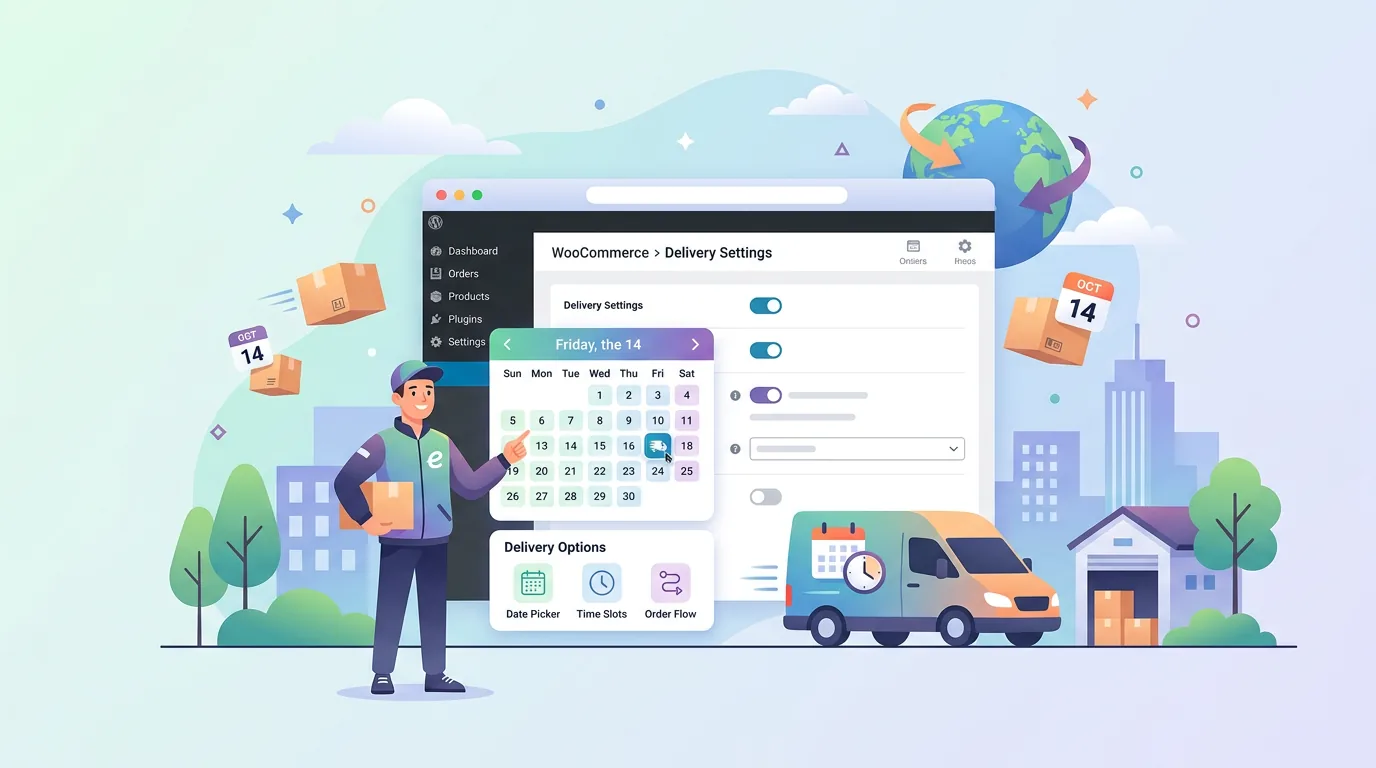
A date picker is easy; a delivery promise you can keep is not. These are the features that separate WooCommerce delivery date plugins that work from ones that break.

Discover how to implement WooCommerce wholesale pricing rules to keep retail and B2B carts separate, ensuring a seamless shopping experience for all customers.

A B2B store is a retail store with five extra rules. These are the plugin categories that cover them, and how to avoid buying an all-in-one you will fight later.

Setting up WooCommerce role based pricing is essential for B2B and mixed B2B/B2C stores. Discover how to manage wholesale prices and dynamic pricing effectively.

A delivery date field is the cheapest way to cut failed deliveries and support tickets. Here is how to let customers choose a delivery date in WooCommerce properly.

Every customer wants Saturday morning. Capping the number of orders per delivery time slot in WooCommerce is what keeps that promise deliverable.

Holidays, stocktake weeks and carrier blackouts are the dates customers will pick if you let them. Here is how to block delivery dates in WooCommerce and keep the list maintained.

A cut-off time is what stops a 4pm order promising same-day dispatch. Here is how to set a WooCommerce delivery cut-off time that survives weekends and timezones.
Bulky goods, letterbox items and frozen stock rarely ship the same way. Here is how to control shipping methods per product category in WooCommerce without breaking mixed carts.

Local pickup suits some stock and ruins other stock. Here is how to hide local pickup for specific products in WooCommerce, and how to run pickup-only categories.

Wholesale buyers need pallet freight; retail customers need a parcel. Here is how to show different WooCommerce shipping methods by user role without confusing guests.

Some categories should never be payable by invoice, cash on delivery or a high-fee wallet. Here is how to restrict payment methods by product category in WooCommerce without breaking mixed carts.

Wholesale buyers expect an invoice; retail customers expect a card. Here is how to control which payment gateway each user role sees in WooCommerce — including the guest checkout trap.

Cash on delivery is fine on cheap, restockable goods and expensive on everything else. Here is how to disable COD for specific products, price thresholds and delivery areas in WooCommerce.

One store, several payment policies. How to offer different payment methods for different products in WooCommerce, decide the mixed-cart rule, and keep checkout understandable.

Every store owner Googles 'best WooCommerce plugins' at some point. Here's a curated 2026 shortlist focused on shipping options, payment gateways and checkout — the three areas that actually move revenue.

A practical walkthrough for building WordPress quizzes with WPForms Quiz Addon, including scoring rules, result messages, screenshots and the quality checks to run before publishing.

Customers shouldn't see 'Letter post' on a 40 kg table or 'Local pickup' on an ebook. Here's how to hide shipping methods on specific WooCommerce items without breaking the rest of your catalog.

Whether you're starting a new dropshipping business or scaling an existing one, success comes down to product selection and the WooCommerce rules behind your checkout.

A WooCommerce variable product lets one listing carry many SKUs — sizes, colors, bundles. This 2026 guide covers attributes, variations, stock, images, and per-variation shipping, with the gotchas most tutorials skip.

When two products in the same cart allow different payment methods, WooCommerce shows nothing — or the wrong gateway. Here's the troubleshooting playbook we use on real stores.

The average WooCommerce checkout abandons at 70%. Most of it is fixable with rules you already have inside WordPress. Here are the nine fixes that matter most.

You don't need a medical degree to launch a health blog that ranks. Here's the practical playbook used by our top-performing clients.

Managing clients means remembering a lot. Here's how to keep meeting outcomes, requests and follow-ups in one place — so nothing slips through the cracks.
The Dreamfox Media blog is where we write down the lessons we keep learning while shipping premium plugins and full custom builds for stores around the world. Every article is rooted in an actual customer problem we've solved more than once — not a generic roundup recycled from someone else's SEO post. If you've ever wondered how to set different payment gateways per product, how to keep your checkout fast with a hundred custom fields, or how to launch a content site that actually ranks in 2026, you'll find the answer here.
We publish one in-depth article every week, alternating between three themes. Conversionarticles cover checkout, payment, shipping and pricing tactics that move the order completion rate. Performance articles cover Core Web Vitals, caching, image optimization and the specific WordPress and WooCommerce settings that move PageSpeed scores out of the red. Growth articles cover SEO, content strategy and the boring operational work (E-E-A-T signals, schema, internal linking) that compounds over twelve months.
Every post is written by the engineers who actually build the systems being discussed. There is no ghostwriting and no AI-generated filler. When we recommend a plugin or service — including our own — it's because we use it in production on real stores, and we'll happily recommend a free or competitor's tool if it solves your problem better than anything in our catalog. Honest writing is how we've kept readers around for a decade.
New here? A good place to start is the article on WooCommerce payment gateways per product, our most-read piece. From there, browse by topic above or jump straight to the services page if you'd rather skip the DIY and have us build it for you. You can also learn more about our team or get in touch.