WooCommerce Catalog Mode: The Complete Setup Guide
Master WooCommerce catalog mode to hide prices, disable carts, and drive inquiries. Compare YITH WooCommerce Catalog Mode vs no-code alternatives.
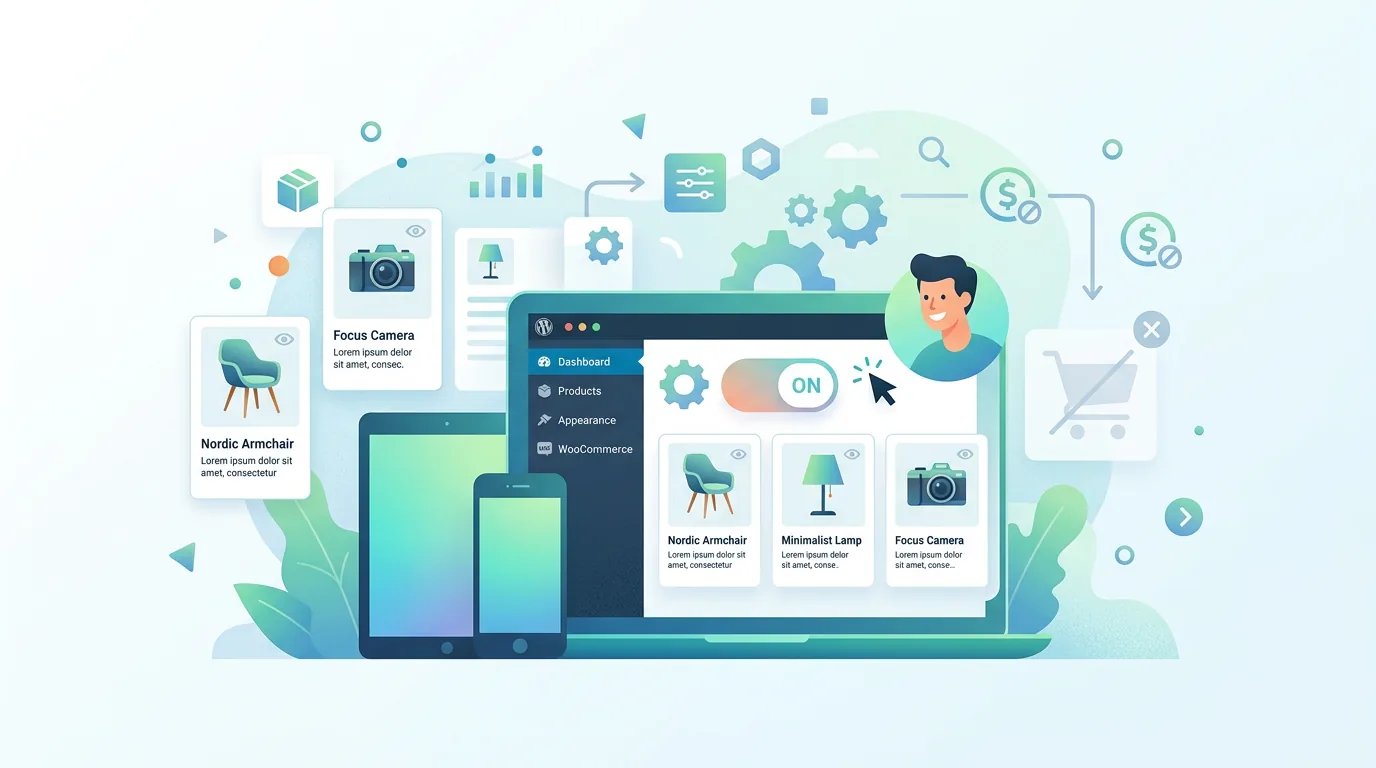
You just launched a wholesale storefront, but visitors are clicking “Add to Cart” and abandoning checkout because they expect net-30 terms, not credit card fields. Switching your WooCommerce product catalog into catalog mode stops that friction instantly by hiding prices, disabling the cart, and replacing checkout with a contact or inquiry form. This is the core of WooCommerce catalog mode: a controlled browsing experience where buyers request quotes instead of checking out.
Whether you prefer a lightweight plugin like YITH WooCommerce Catalog Mode, a custom code route, or a hybrid approach, this guide walks through every decision point so you can configure it correctly on the first attempt.
Why Store Owners Switch to WooCommerce Catalog Mode
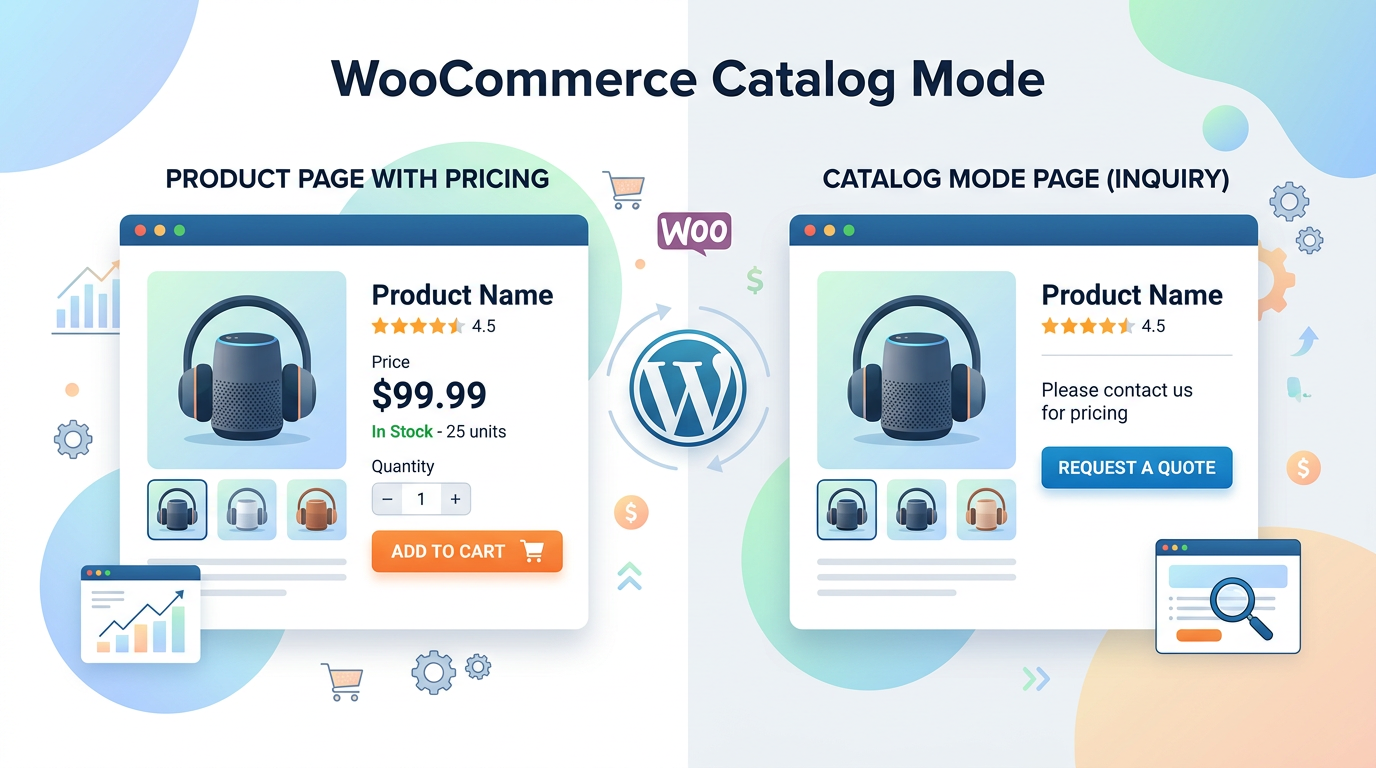
Catalog mode is not a gimmick. It is a structural change to the shopping flow that aligns your store with how B2B buyers, service providers, and pre-order merchants actually transact. When you enable catalog mode in WooCommerce, the “Add to Cart” button disappears, price tags are hidden or replaced with custom labels, and the checkout flow is completely disabled. Visitors can still browse categories, filter by attributes, and read product descriptions, but they must contact you to complete a purchase.
This setup solves several common problems:
- Wholesale pricing complexity: You cannot display a single price when tiered discounts, contract rates, and volume breaks apply.
- Service-based businesses: Consultants, agencies, and contractors sell custom scopes that cannot be priced on a static product page.
- Pre-order and out-of-stock management: You want to capture demand without accepting payments for items that will ship months later.
- Regulated or restricted products: Some categories require age verification, licensing, or compliance checks before a sale can proceed.
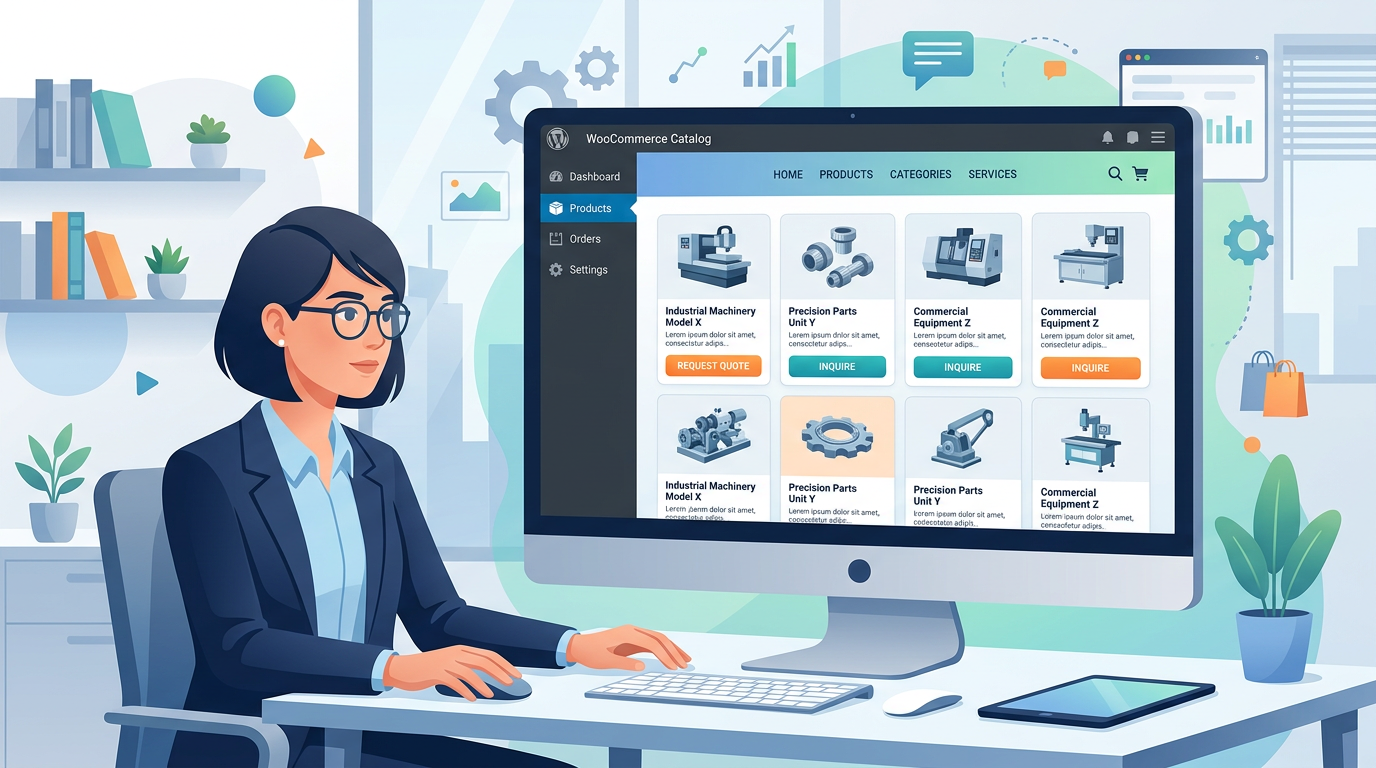
How to Enable WooCommerce Catalog Mode (With and Without Plugins)
WooCommerce Catalog Mode Without Plugin (Code-Only Approach)
If you prefer to keep your install lean, you can disable cart and checkout functionality using hooks in your child theme’s `functions.php` file. This approach gives you full control but requires careful testing.
```php // Hide prices on shop and single product pages add_filter( 'woocommerce_get_price_html', '__return_empty_string' );
// Remove add to cart buttons remove_action( 'woocommerce_after_shop_loop_item', 'woocommerce_template_loop_add_to_cart' ); remove_action( 'woocommerce_single_product_summary', 'woocommerce_template_single_add_to_cart', 30 );
// Disable cart and checkout pages add_action( 'wp', function() { if ( is_cart() || is_checkout() ) { wp_redirect( home_url() ); exit; } } ); ```
What goes wrong when done badly: The snippet above hides prices globally. If you later sell one retail item alongside your catalog products, that item also loses its price. You must add conditional logic to exclude specific product IDs or categories. Additionally, disabling checkout via redirect breaks payment gateway webhooks and order confirmation emails if an order somehow slips through. Always test with a staging copy before pushing to production.
YITH WooCommerce Catalog Mode (Plugin Setup)
For most store owners, a purpose-built plugin saves hours of debugging. YITH WooCommerce Catalog Mode provides a settings panel under YITH > Catalog Mode where you can toggle features on or off without touching code.
Step-by-step configuration:
- Navigate to YITH > Catalog Mode > General.
- Enable Catalog Mode to hide prices and remove add-to-cart buttons sitewide.
- Under Advanced Options, choose whether to hide prices for all users or only for unregistered visitors.
- Set Custom Labels to replace the missing add-to-cart button with text like “Request a Quote” or “Contact for Pricing”.
- Link the custom label to an inquiry form, your contact page, or a dedicated quote request endpoint.
- Save changes and test the storefront in an incognito window to verify guest behavior.
The plugin also supports category-level and product-level overrides. If you navigate to Products > All Products, each item includes a meta box where you can enable or disable catalog mode individually. This is critical when you run a hybrid store that sells some items at fixed retail prices while keeping wholesale SKUs in inquiry-only mode.
Granular Controls: Scheduling, User Roles, and Geolocation
Schedule Shop Opening and Closing Hours
Some businesses only accept inquiries during business hours or want to pause catalog mode during seasonal sales events. YITH WooCommerce Catalog Mode includes a scheduling module under YITH > Catalog Mode > Schedule where you can define:
- Start date and time for catalog mode activation
- End date and time to automatically revert to standard checkout
- Recurring schedules for weekly or monthly patterns
This prevents users from submitting orders on specific days or times when your team cannot process them. For example, a manufacturer might enable catalog mode Monday through Friday, 8 AM to 5 PM, and disable it during trade shows when on-site orders are taken manually.
Enable Catalog Mode for Specific User Roles or Countries
Not every visitor needs the same experience. Under YITH > Catalog Mode > Restrictions, you can configure:
- User role targeting: Enable catalog mode only for unregistered users, wholesale customers, or custom roles like “Dealer”.
- Country restrictions: Hide prices and disable checkout for visitors from specific countries, or conversely, enable catalog mode only for domestic B2B buyers while keeping international retail checkout active.
This level of granularity matters when you operate a multi-tier pricing strategy. Registered wholesalers see negotiated rates and can check out normally, while guest visitors see a product catalog with inquiry buttons only.
Custom Labels, Inquiry Forms, and Multi-Vendor Integration
Create Custom Calls to Action and Labels
When you remove the add-to-cart button, you must replace it with something that drives action. Under YITH > Catalog Mode > Labels, you can set:
- Button text: “Request a Quote”, “Get a Price Estimate”, or “Contact Sales”
- Link destination: A product-specific inquiry form, a global contact page, or a third-party CRM endpoint
- Price replacement text: “Call for Pricing”, “Wholesale Only”, or “Login to See Price”
These labels appear on shop archives, single product pages, and related product carousels. Consistency across the store reduces confusion and increases inquiry conversion rates.
Enable an Inquiry Form on Product Pages
A contact page is not enough. Buyers want to inquire about a specific SKU, quantity, and shipping destination without leaving the product page. You can embed an inquiry form using:
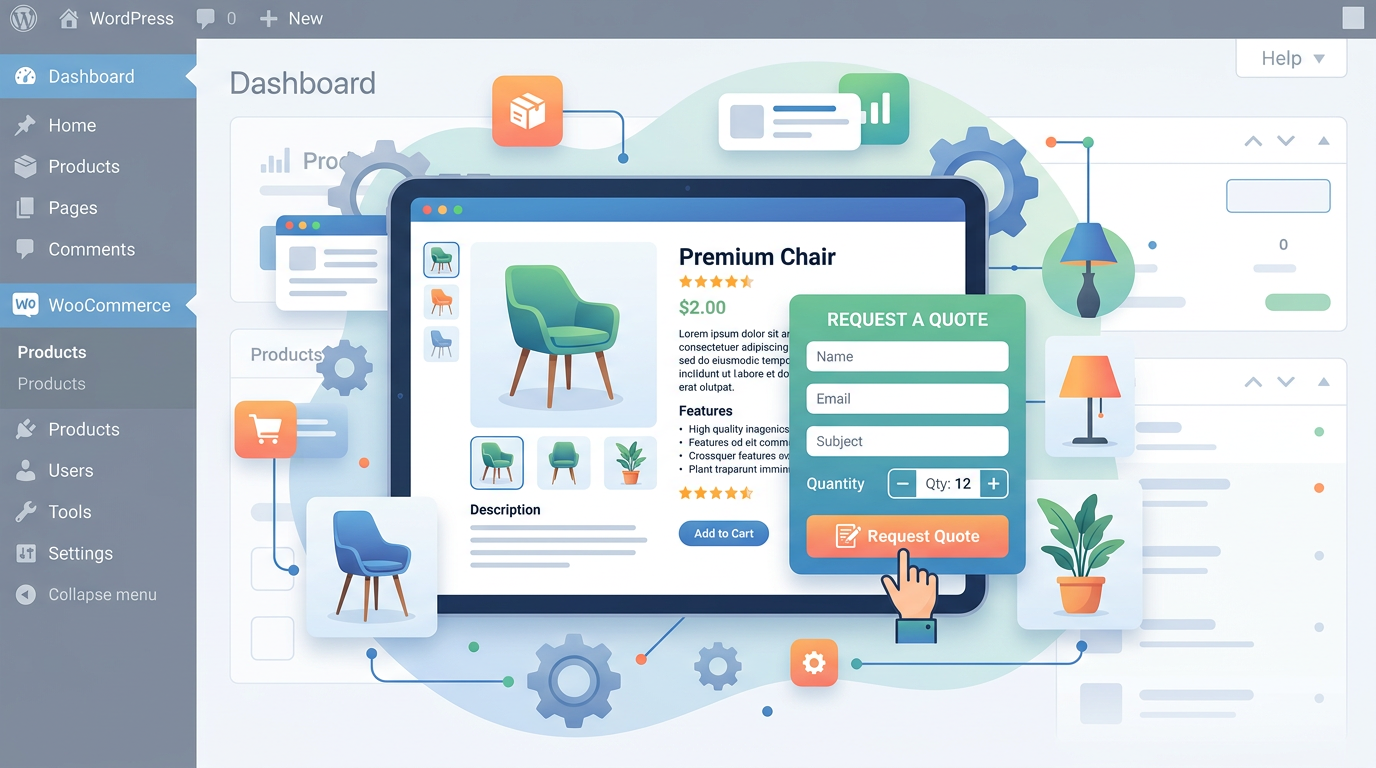
- YITH WooCommerce Request a Quote: Adds a form directly to the product page with fields for name, email, quantity, and message.
- Contact Form 7 or Gravity Forms: Create a product-specific form and embed it via shortcode in the product description area.
- Custom PHP template: Override `single-product/add-to-cart/simple.php` in your child theme to render a custom form that posts to your CRM or email endpoint.
The best practice is to auto-populate the product name and SKU in the inquiry form so your sales team receives structured data instead of vague emails like “I want to buy something.”
Integrate with YITH WooCommerce Multi Vendor
If you run a marketplace where multiple vendors list products, catalog mode must respect vendor-level settings. YITH WooCommerce Catalog Mode integrates with YITH WooCommerce Multi Vendor so that each vendor can choose whether their products appear in catalog mode or remain purchasable. This is configured under YITH > Multi Vendor > Settings > Catalog Mode where you can set default behavior and allow vendors to override it per product.
Comparison: Code-Only vs YITH Plugin vs Hybrid Approach
| Approach | Setup Effort | Granularity | Maintenance | Best For |
|---|---|---|---|---|
| Code-Only (functions.php) | High | Low to Medium | Manual updates required | Developers who want zero plugin overhead |
| YITH WooCommerce Catalog Mode | Low | High | Automatic updates and support | Store owners who need scheduling, roles, and labels |
| Hybrid (Plugin + Custom Code) | Medium | Very High | Plugin updates plus code maintenance | Hybrid retail/wholesale stores with complex rules |
The table shows that while a code-only approach eliminates plugin dependencies, it lacks the scheduling, role-based restrictions, and label customization that YITH provides out of the box. Most agencies recommend the plugin route unless the client has strict performance requirements that rule out additional extensions.
Common Mistakes and How to Avoid Them
Forgetting to Update Internal Links
When you disable checkout, existing “Buy Now” links in emails, social media posts, and paid ads will lead to broken or redirected pages. Audit your external traffic sources and update CTAs to point to the inquiry form or contact page instead.
Conflicting Plugins
Plugins that modify pricing, add dynamic discounts, or replace checkout flows can conflict with catalog mode. Common culprits include dynamic pricing extensions, subscription plugins, and multi-currency converters. Test catalog mode on a staging site with all active plugins enabled to identify conflicts before going live.
Hiding Prices Globally by Accident
If you use the code snippet above without conditional logic, every product loses its price. Always wrap price-hiding logic in conditional tags:
```php add_filter( 'woocommerce_get_price_html', function( $price, $product ) { if ( has_term( 'wholesale', 'product_cat', $product->get_id() ) ) { return ''; } return $price; }, 10, 2 ); ```
This restricts price hiding to the wholesale category while leaving retail items unaffected.
Ignoring Mobile Responsiveness
Custom inquiry forms and replacement buttons must render correctly on mobile devices. Test the product page on iOS and Android browsers to ensure form fields are tappable, labels are readable, and the inquiry button does not overlap with product images.
Performance and SEO Implications
Disabling cart and checkout reduces server load because fewer database writes occur during browsing sessions. However, hiding prices can impact SEO if search engines expect structured data with pricing information. To mitigate this:
- Keep structured data markup intact but set `priceSpecification` to “Call for Pricing” or remove it entirely for catalog-mode products.
- Use `product` schema without `offers` for items that require inquiries.
- Monitor Google Search Console for structured data warnings and adjust accordingly.
Conclusion
WooCommerce catalog mode transforms your store from a transactional checkout flow into a consultative sales channel. Whether you implement it via custom code, YITH WooCommerce Catalog Mode, or a hybrid approach, the key is matching the configuration to your business model. Get the rules right on day one, and your sales team receives qualified inquiries instead of abandoned carts. For a reliable, feature-rich setup with scheduling, role targeting, and custom labels, explore the Dreamfox Media plugin ecosystem built for WooCommerce stores that need more control over their product catalog.
FAQ
- what is catalog mode in woocommerce?
- Catalog mode in WooCommerce disables the cart and checkout functionality, hides or replaces product prices, and replaces the add-to-cart button with a custom call to action such as an inquiry form or contact link. It is used by B2B sellers, service providers, and wholesale merchants who need customers to request quotes instead of purchasing directly online.
- how to enable catalog mode woocommerce?
- You can enable catalog mode by installing a plugin like YITH WooCommerce Catalog Mode and toggling the feature on under YITH > Catalog Mode > General, or by adding code to your child theme functions.php file that removes add-to-cart buttons and hides prices. After enabling it, configure custom labels and inquiry forms to replace the missing checkout flow.
- Can I enable catalog mode for only specific products or categories?
- Yes. Both YITH WooCommerce Catalog Mode and custom code approaches support product-level and category-level overrides. In the plugin, use the per-product meta box or category settings to toggle catalog mode on or off. With code, wrap your price-hiding and button-removal logic in conditional tags that check product IDs or taxonomy terms.
- Does catalog mode affect SEO and structured data?
- Hiding prices can trigger structured data warnings in Google Search Console if your schema markup expects pricing information. Remove or adjust the offers section of your product schema for catalog-mode items, and monitor Search Console for errors. Most search engines still index the product pages correctly as long as titles, descriptions, and images remain intact.
- Can registered users see prices while guests see catalog mode?
- Yes. YITH WooCommerce Catalog Mode includes a user-role restriction setting that lets you show prices and enable checkout for logged-in wholesale customers while keeping catalog mode active for unregistered visitors. Custom code can achieve the same result by checking is_user_logged_in() before applying price-hiding filters.
- How do I handle inquiries when checkout is disabled?
- Replace the add-to-cart button with a custom label that links to an inquiry form embedded on the product page or a dedicated contact page. Plugins like YITH WooCommerce Request a Quote or Contact Form 7 can capture product name, SKU, quantity, and buyer details, sending structured data directly to your sales team or CRM.
- Will catalog mode work with multi-vendor marketplaces?
- Yes. YITH WooCommerce Catalog Mode integrates with YITH WooCommerce Multi Vendor, allowing each vendor to choose whether their products appear in catalog mode or remain purchasable. Vendor-level settings override global defaults, giving marketplace operators fine-grained control over which listings require inquiries versus direct checkout.
This article is part of our WooCommerce pricing topic hub, where the related plugins and guides live together.