Hide Local Pickup for Specific Products
Hide local pickup for specific products in WooCommerce: why pickup-only and no-pickup rules matter, the package rates filter, and mixed-cart handling.
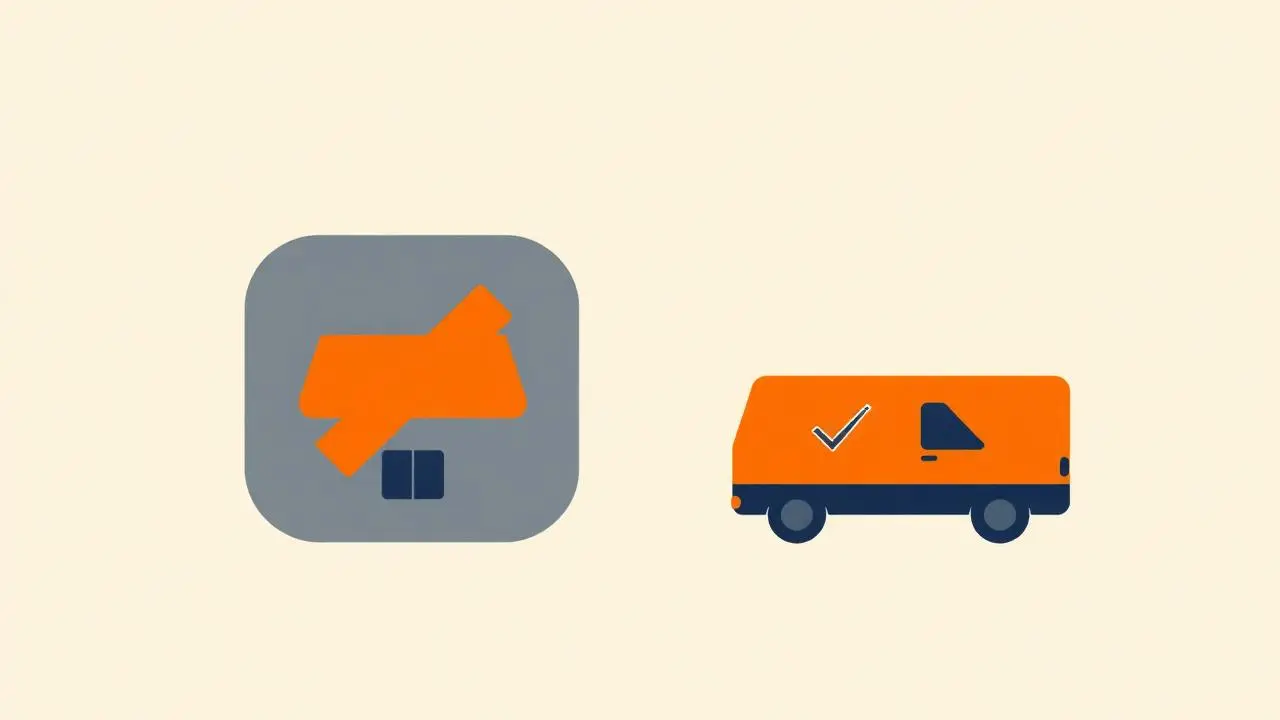
Local pickup is the cheapest shipping method you will ever run, and it is exactly wrong for part of your catalogue. Made-to-order items that ship straight from a supplier cannot be collected from your counter. Bulky stock you keep off-site is not in the building. Perishables you would rather not have sitting on a shelf until someone remembers to collect them. So the practical requirement is narrow: hide local pickup for specific products while leaving it on everything else.
Two rules, opposite directions
Most stores end up needing both:
- No pickup for these products. Dropshipped, supplier-shipped or off-site stock. Pickup must disappear when such an item is in the cart.
- Pickup only for these products. Fragile, oversized, licensed or age-checked goods you refuse to hand to a courier. Every other method must disappear.
They are the same mechanism with the condition inverted, and both belong on WooCommerce's rate filter rather than in CSS or JavaScript. A method hidden in the browser is still selectable server-side, which produces orders you cannot fulfil.
The rule in code
```php add_filter( 'woocommerce_package_rates', function ( $rates, $package ) { $no_pickup_ids = [ 128, 341 ]; // products that cannot be collected
foreach ( $package['contents'] as $item ) { if ( in_array( $item['product_id'], $no_pickup_ids, true ) ) { foreach ( array_keys( $rates ) as $rate_id ) { if ( str_starts_with( $rate_id, 'local_pickup' ) ) { unset( $rates[ $rate_id ] ); } } break; } }
return $rates; }, 10, 2 ); ```
For the pickup-only case, keep the rates whose ID starts with `local_pickup` and unset everything else. In both variants, match on the rate ID prefix: WooCommerce appends the method instance, so the ID is `local_pickup:4`, not `local_pickup`.
If nothing changes when you reload, you have hit the session rate cache rather than a broken rule. Empty the cart and try again.
Managing it as data instead of code
Hardcoded product IDs age badly — the list lives in PHP, nobody remembers it, and a new supplier-shipped product silently becomes collectable. Our WooCommerce Shipping Gateway Per Product plugin keeps the same filter logic but takes the product and category selection from wp-admin, so the rule is visible next to the product it applies to and a shop manager can maintain it.
If the rule is really about a whole group of stock rather than individual items, treat it as a category rule instead — see setting the shipping method by product category.
Mixed carts and the empty-checkout trap
A cart holding one collectable item and one that must be shipped needs a decision:
- Strictest wins — remove pickup for the whole cart. Simple, safe, and the customer gets one delivery.
- Block the combination — a cart notice asking the customer to split the order. Necessary when a pickup-only item cannot legally be couriered.
The failure to avoid is a combination that removes every rate. A pickup-only product plus a no-pickup product does exactly that if you apply both rules blindly, and the customer sees a checkout with no shipping options and no explanation. Detect the collision and show a clear cart notice instead.
Geography belongs in zones, not product rules
"Pickup only for customers near the store" is not a product rule. Put local pickup in a shipping zone limited to your postcodes, region or country, and let the zone handle who sees it. Combine the two layers and the meaning stays clean: the zone decides *who* may collect, the product rule decides *what* may be collected.
The same split applies to local delivery: a zone of nearby postcodes with a delivery method, plus product rules for stock that cannot go on your own van.
Test checklist
- No-pickup product alone — pickup is gone.
- Normal product alone — pickup is back.
- Both together — matches the mixed-cart rule you chose.
- Pickup-only product alone — only pickup remains.
- Pickup-only plus no-pickup — a clear notice, never an empty rate list.
- An out-of-zone address — pickup absent because of the zone, not the rule.
Check the cart page and the checkout, in both the classic and block-based versions, and place one live order through pickup so the confirmation email and order status read the way you expect.
Set it up without code
In Shipping Methods per Product you pick the allowed shipping methods on the product itself, so removing Local pickup from a bulky or made-to-order product is a tick box rather than a filter. The free version is available on WordPress.org; category and tag rules and the conflict-resolution options for mixed carts (common methods, cheapest, most expensive, or let the customer choose) are Premium features.
Pair it with payment rules
Hiding local pickup often goes together with payment restrictions. Pickup customers typically pay on collection, so when pickup is removed for a product you usually want to remove the matching payment method too. The article on how to disable cash on delivery for specific products shows the same pattern for payments, and different payment methods per product covers the full gateway grid. For the whole shipping picture, see shipping options per product.
FAQ
- How do I hide local pickup for one product in WooCommerce?
- Filter woocommerce_package_rates, check whether the package contains that product, and unset the local_pickup rate when it does. A shipping rules plugin does the same from a setting instead of code.
- How do I make some products local pickup only?
- Invert the rule: when the flagged product is in the cart, remove every rate whose ID does not start with local_pickup. Keep a cart notice explaining why, or customers assume the checkout is broken.
- Why is local pickup still showing after I hide it?
- WooCommerce caches shipping rates for the session. Empty the cart, or add a version string to your rule so the cached rates are recalculated, then retest.
- Can I offer local pickup only for customers near my store?
- Yes, put local pickup in a shipping zone limited to your postcodes or region. Zone restrictions handle geography; product rules handle which stock may be collected.
- Does hiding local pickup affect the WooCommerce checkout block?
- No, it works in both. The block-based cart and checkout render the same calculated shipping rates, so a rate removed on the package rates filter is absent everywhere.
This article is part of our WooCommerce shipping topic hub, where the related plugins and guides live together.