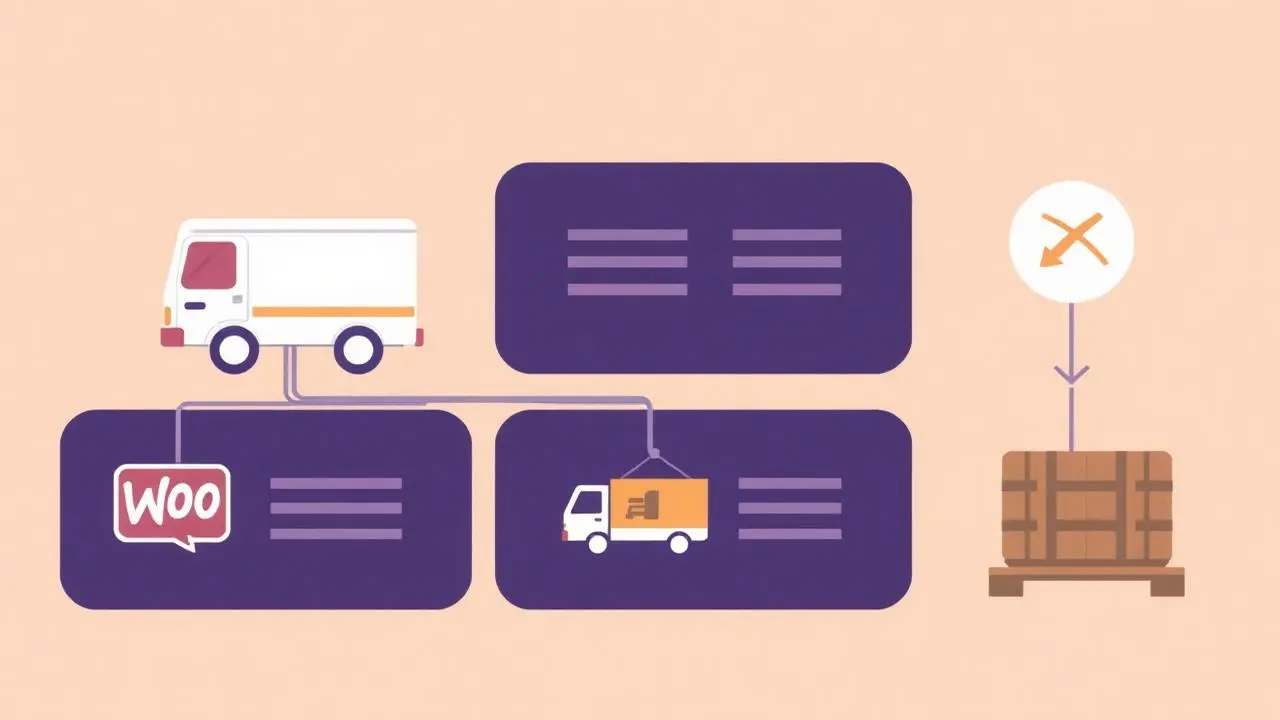
Best WooCommerce Shipping Plugins Compared
The best WooCommerce shipping plugins compared: live carrier rates, table rate shipping, conditional method control and label printing.

Shipping is where WooCommerce stores accumulate plugins fastest, usually because the wrong category was installed first. Four categories exist, and they answer different questions.
The four categories
Live carrier rates query DHL, UPS, PostNL or another carrier at checkout and return the real price. Valuable for heavy, bulky or international consignments; overkill for a store shipping identical small parcels domestically.
Table rate shipping lets you express your own prices as rules: weight bands, order totals, destinations, product classes. This is the workhorse for stores whose costs are known but not flat.
Conditional method control decides which methods a given basket may see. Bulky items that cannot be posted, fresh goods that cannot travel economy, licences that need no shipping at all — none of these are rate problems, they are availability problems.
Fulfilment and labels print labels, push tracking numbers and update order status. Independent of the other three; choose by carrier support.
What to compare within each category
For rate calculation: which carriers and services, whether rates are cached, and what happens when the carrier API is slow or down. A checkout that hangs for eight seconds waiting for a rate loses more money than an inaccurate estimate.
For table rates: whether rules can combine conditions, how ties are resolved, and whether the admin can be understood by someone who did not build it.
For method control: rule scope (product, category, role, destination), mixed-cart behaviour, server-side enforcement, and the fallback when no method survives. An empty shipping step with no explanation is the worst outcome in this category.
Where our plugin fits
Shipping Gateway Per Product is a method-control plugin. It hides or shows shipping methods based on the products in the basket, their categories and the customer's role, applies strictest-wins in mixed carts, and enforces the result at checkout rather than only in the browser. Rate calculation stays with WooCommerce zones or your carrier extension.
Worked examples: shipping methods by product category, hiding local pickup for specific products and shipping methods by user role.
Keep the stack small
Two plugins — one that calculates, one that controls — cover almost every store. Each additional plugin that filters shipping packages makes the result harder to predict, and shipping bugs are expensive: they either overcharge customers who then leave, or undercharge you on every order until someone notices.
Test with the awkward basket
Do not test with one product. Build the basket that mixes a bulky item, a digital item and a normal parcel, ship it to a domestic and an international address, and confirm the surviving methods make sense in all four combinations.
FAQ
- What is the best WooCommerce shipping plugin?
- It depends which of four jobs you need: calculating rates, structuring your own rate table, controlling which methods appear, or printing labels. Most stores need two of the four.
- Do I need table rate shipping?
- Only when your prices depend on combinations WooCommerce zones cannot express, such as weight bands crossed with destination and product type. Simple flat rates per zone need no plugin at all.
- How do I stop a shipping method appearing for one product?
- That is conditional method control rather than rate calculation. The rule attaches to the product or its category, and the checkout removes the method whenever that item is in the basket.
- Are live carrier rates worth it?
- They are for heavy, bulky or international goods where guessing costs money. For lightweight domestic parcels a well-built flat rate table is usually cheaper and faster to load.
- How many shipping options should the checkout show?
- Two or three, distinguished by speed and price. More than that measurably slows the decision without increasing the order value.
This article is part of our WooCommerce shipping topic hub, where the related plugins and guides live together.